

About Course
- 6h 45mof video lessons
- 3modules, step by step
- 3downloadable resource packs
- Quizzesafter every milestone
- Certificatewhen you finish
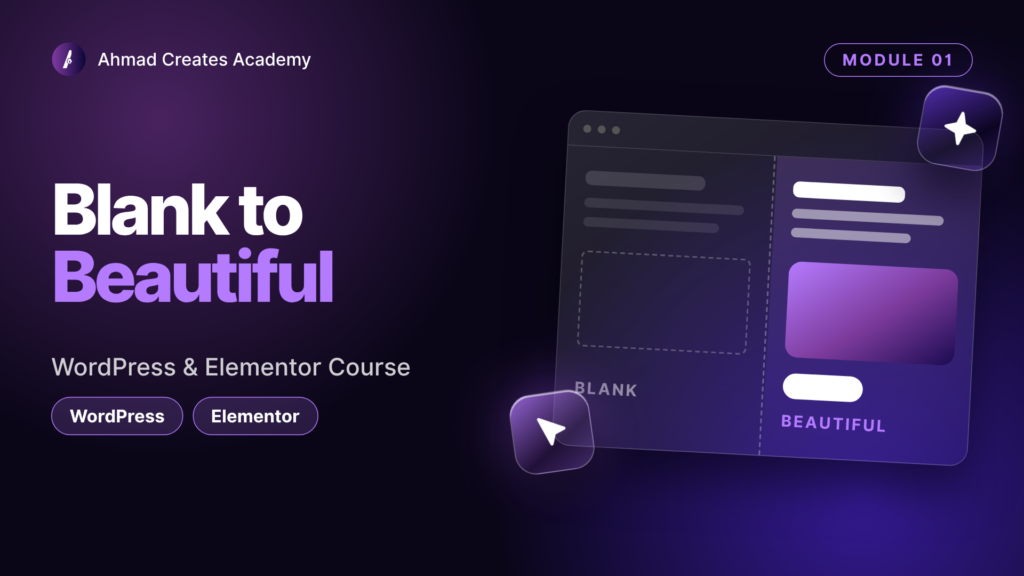
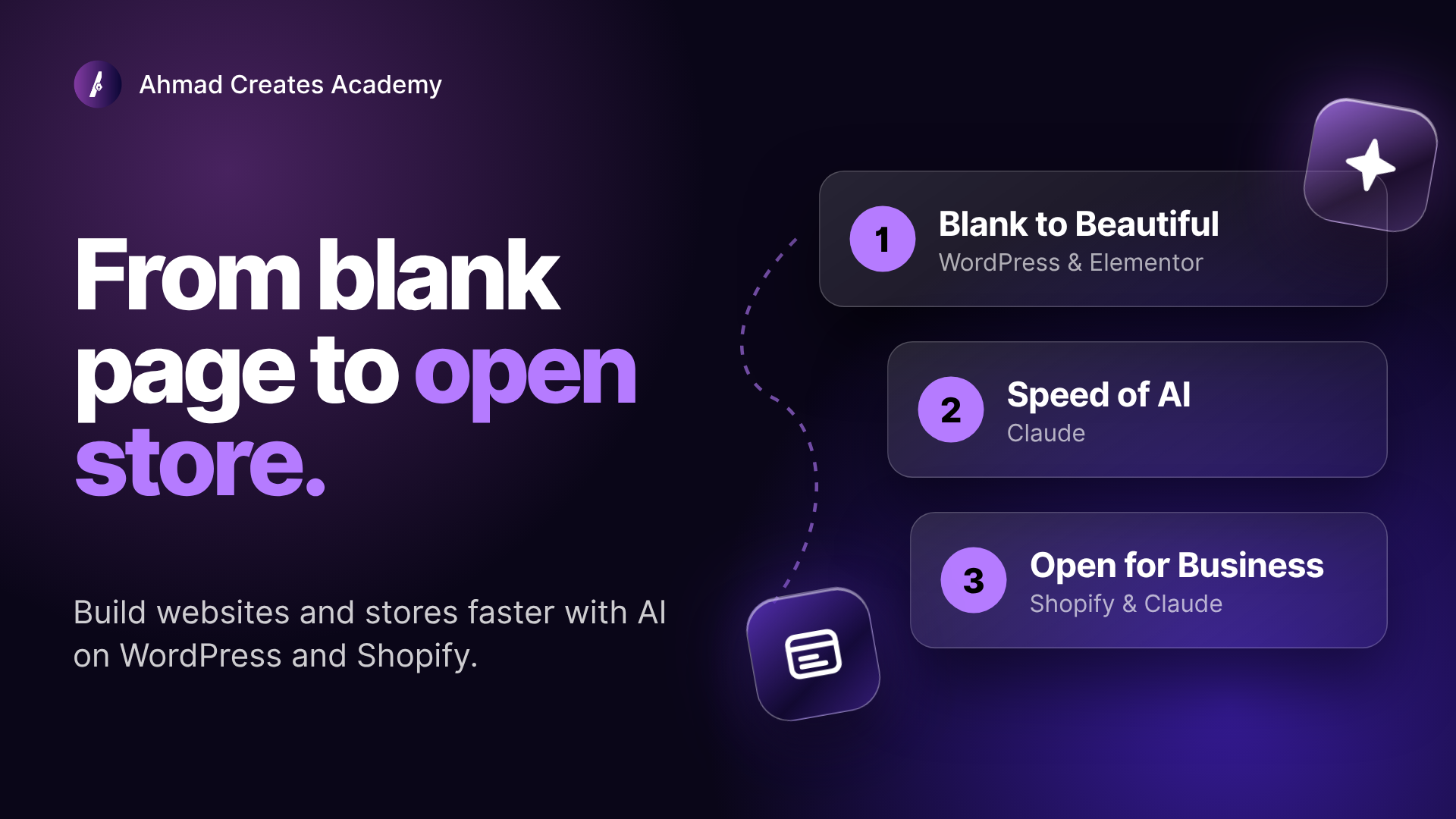
WordPress and Elementor. The first 9 videos are free.
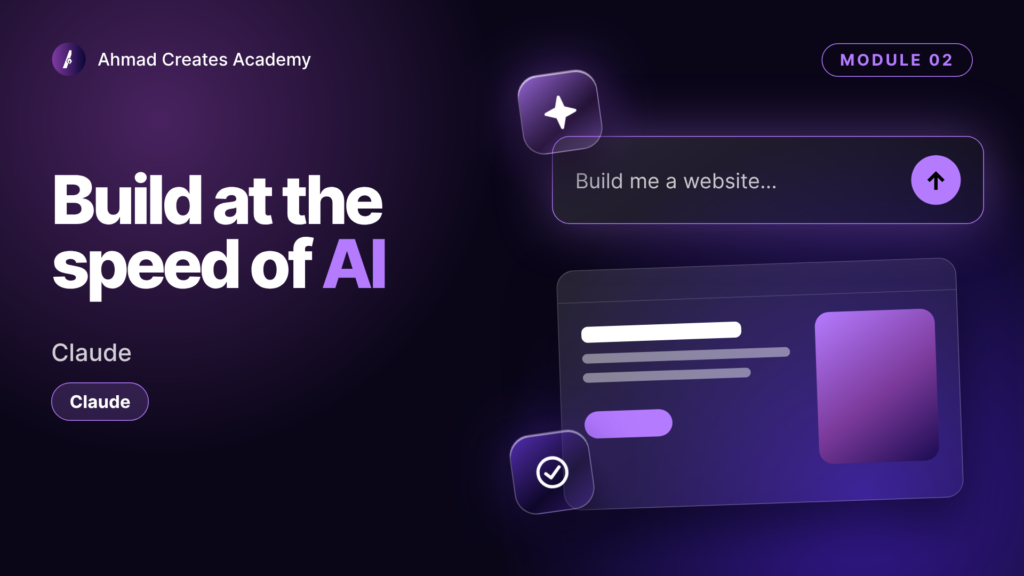
Build a full website with Claude.
Build a Shopify store with Claude.
What you will have built by the end
A real website, built by you
Start from a blank WordPress site and finish with a complete page, menu, header and footer you made yourself.
A full multi-page site, built with Claude
Brief Claude, set the ground rules, and watch home, services, about and contact pages come together, then fix and launch it.
A working online store
Set up a Shopify store with Claude: brand, homepage, products, collections, cart, mobile and payments.
How it works
Watch and build along
Short, focused lessons. Pause, build the same thing on your own screen, then move on.
Use the resource packs
Each module comes with files, prompts and guides you can download, so you never start from scratch.
Prove it, then get certified
A quick quiz after each milestone locks it in. Finish everything and you can download your certificate.
Is this for you?
- want a website or online store without learning to code
- are starting from zero, or already build and want to work faster with AI
- want to offer websites to clients, or build your own business site
- learn best by building along with someone
- want a get-rich-quick shortcut
- are not willing to build alongside the videos
- need live, one-on-one coaching (mentorship is coming later)
Ahmad builds websites, Shopify themes and WordPress templates for clients through Ahmad Digital Agencies. In this course he shows you the exact workflow he uses, including how he gets Claude to do the heavy lifting.
Questions before you join
Do I need to know how to code?
No. Module 1 starts from a blank site and explains each step, and Claude handles the heavy lifting in Modules 2 and 3.
Can I try it before I pay?
Yes. The first 9 lessons (82 minutes) are free to watch. Create a free account and press play, no card needed.
What do I need to get started?
A computer and an internet connection. A lesson at the start of each build shows exactly which accounts and tools to set up, step by step.
How long do I have access?
Lifetime. Watch on any device, as often as you like, and re-download the resource packs whenever you need them.
Do you offer refunds?
Because this is a digital course, all sales are final. That is exactly why the first 9 lessons are free: watch them first, then decide.
How does the launch price work?
The first 20 students pay R2,500 instead of R3,500. The offer ends when the 20 spots are gone or on 30 November, whichever comes first.
Start with a blank WordPress site and finish with a complete website, then learn to build faster with Claude and launch a Shopify store. Module 1 is free to watch. Modules 2 and 3 unlock when you join.
Course Content
Module 1: Set up and your first build (free preview)
-
Welcome Video
01:17 -
Clean Up the WordPress Backend
02:04 -
Install and Activate the Blocksy Theme
02:09 -
Installing All Plugins
02:25 -
Deactivating Atomic Editor
06:11 -
Brand Setup on Blocksy and Elementor
07:48 -
Getting Familiar with Elementor
18:59 -
Now That You Know the Basics
00:19 -
Build the Page: Part 1
40:50